
Image Generation: Mona Lisa Portrait
Prompt
/mtp <args>
<agent_instruction>
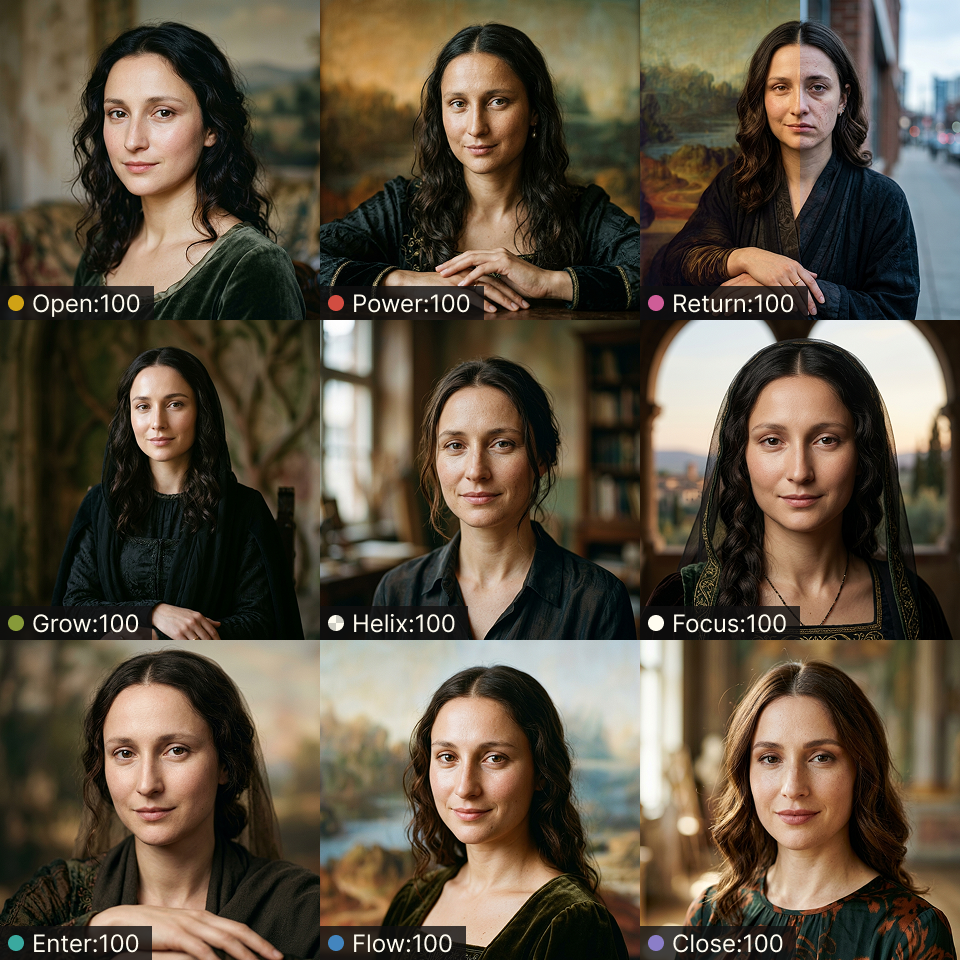
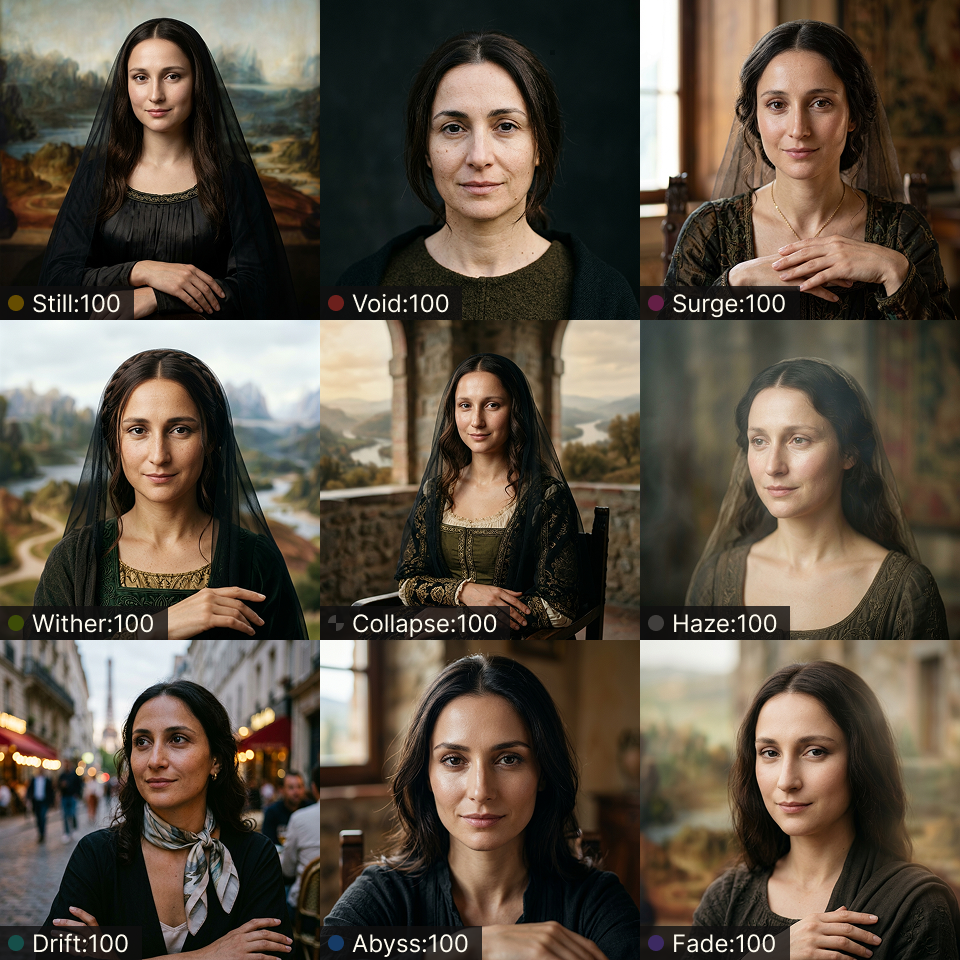
[IMAGE TASK]prompt = """A captivating, hyper-realistic close-up portrait photograph reimagining the Mona Lisa as a real woman. Her skin is luminous, with flawless texture and natural makeup, revealing subtle pores. She possesses delicate, refined features and that iconic, enigmatic smile with a gentle gaze. Illuminated by flattering, soft studio lighting, creating a perfect balance. Captured with a shallow depth of field and a beautifully soft bokeh background. Cinematic clarity, ultra-high detail, photorealistic masterpiece."""
result = client.images.generate(    model=<model>,    prompt=prompt,    size="1024x1024",    aspect_ratio="1:1",)
Coverage
- Baseline: 1 item (without applying MTP Skill)
- Slider
<node:100>: 18 items
Models
- GPT Image 2 via ChatGPT 5.5 on Codex (macOS app)
- Gemini 3 Pro Image via Gemini 3 Flash on Antigravity (macOS app)
Output Comparison
Section titled “Output Comparison”In the test environment, each result was produced in a fresh agent chat session without special user settings or cross-chat memory.
GPT Image 2
Section titled “GPT Image 2”Sample outputs
| Baseline | Side A Nodes | Side B nodes |
|---|---|---|
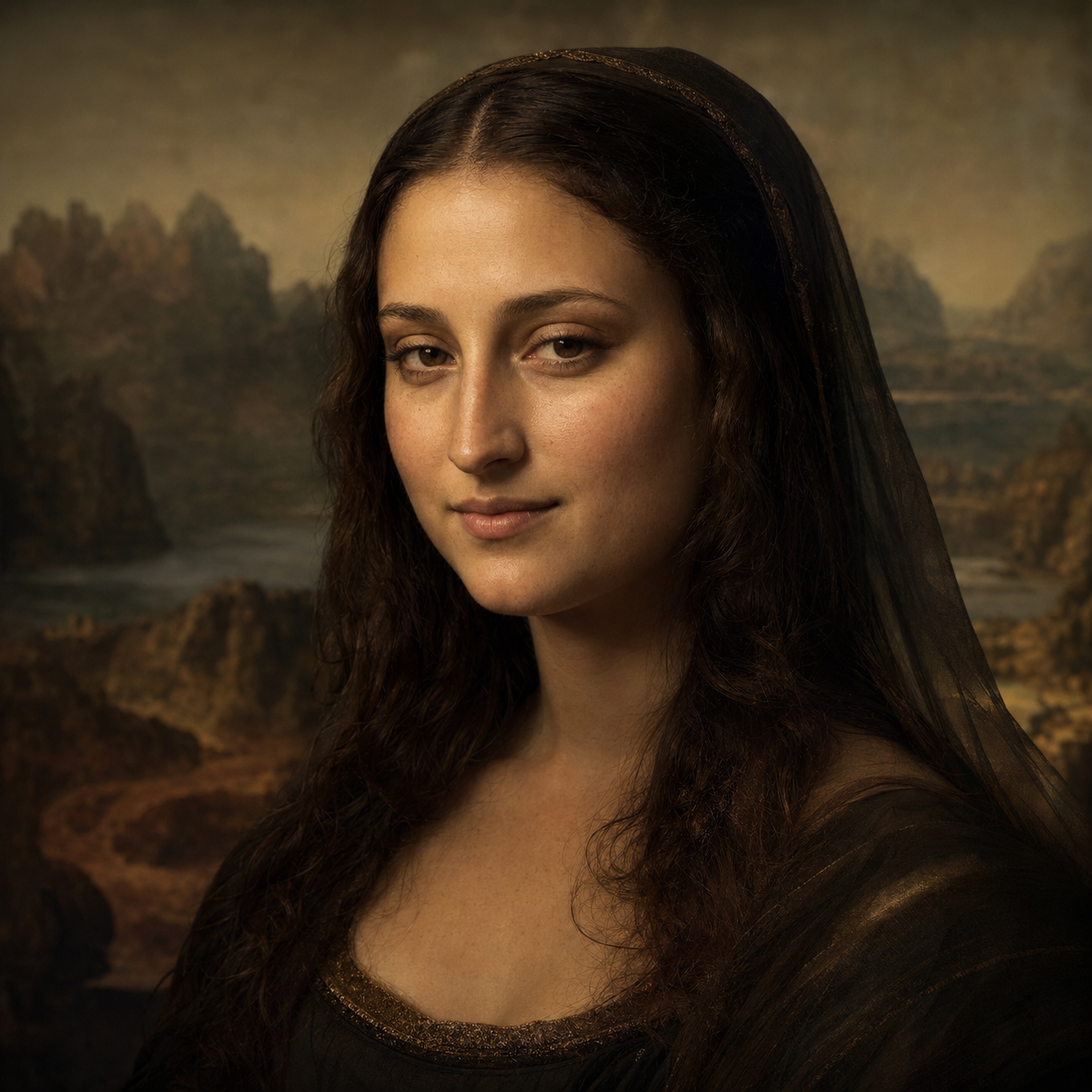 | 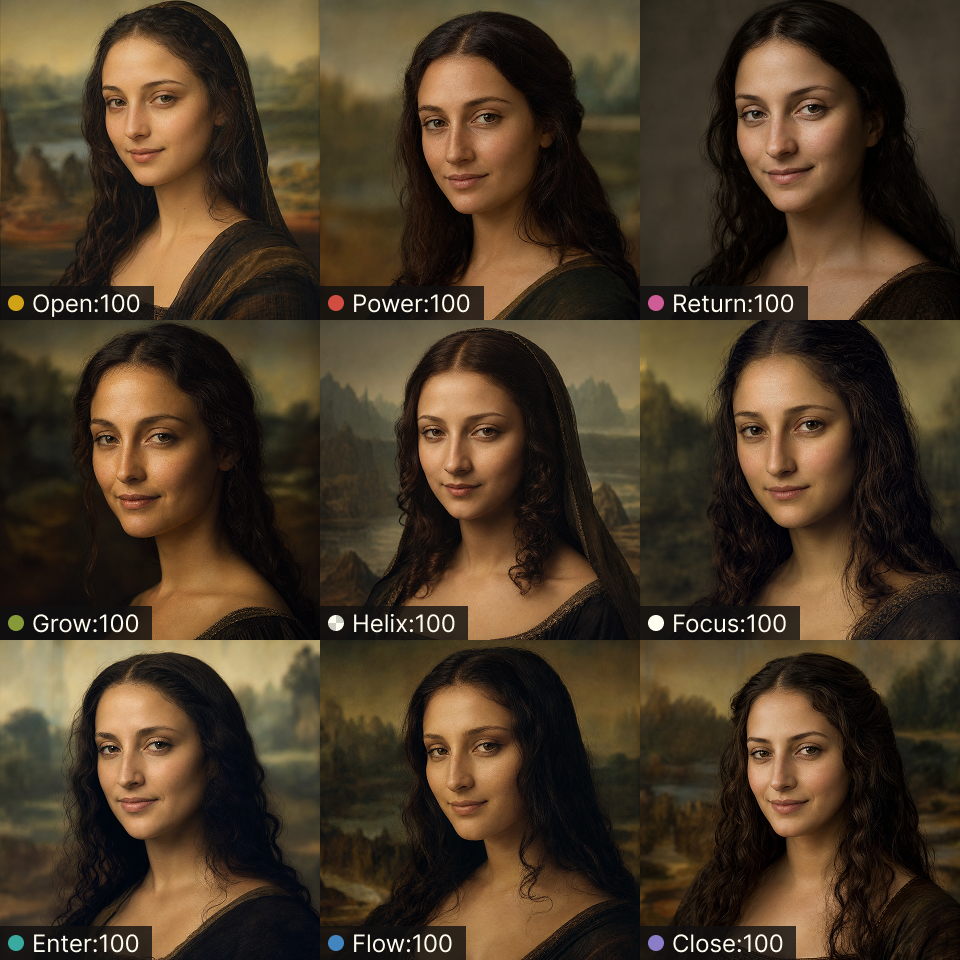 | 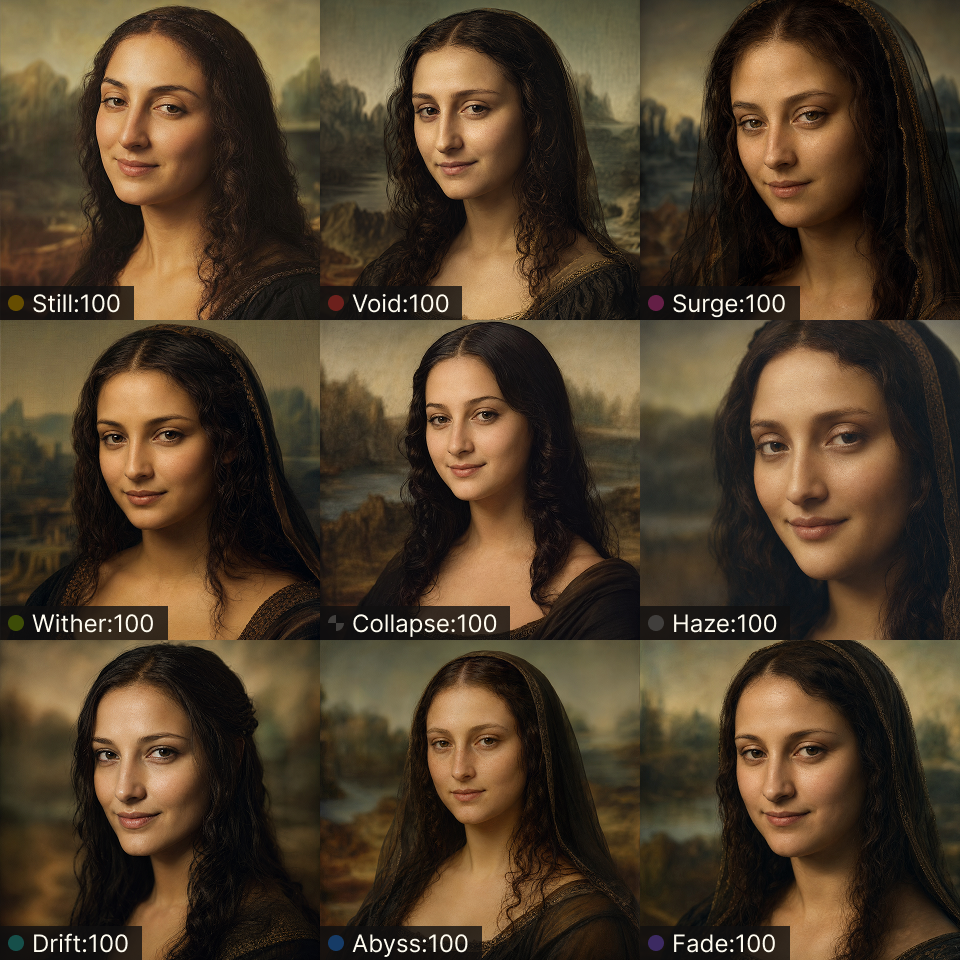 |
Go to comparison page for GPT Image 2 →
Gemini 3 Pro Image
Section titled “Gemini 3 Pro Image”Sample outputs
| Baseline | Side A Nodes | Side B nodes |
|---|---|---|
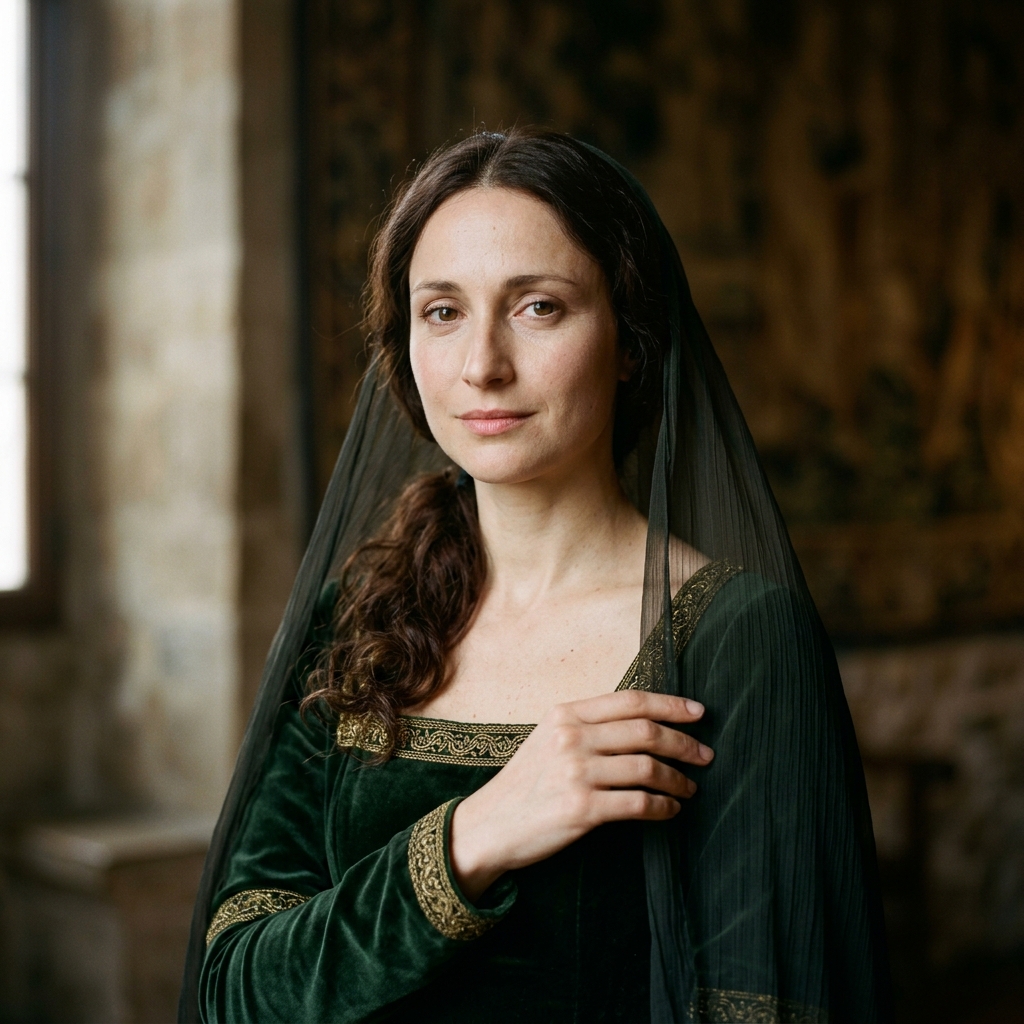 |  |  |